Study from your own lectures, not someone else’s notes.
Upload the PDF or slide deck your professor posted. Kwezr reads the whole thing and builds flashcards and quiz questions out of what is in it. It works the same way in Arabic.
Free plan. Cancel whenever you like.
- Try it before making an account
- Answers show the page they came from
- Works in English and Arabic
Ready-made decks belong to someone else’s course.
Most flashcard sets you can download were written by a student somewhere else, following a different syllabus. You end up learning their material instead of yours. Kwezr only ever reads the file you gave it.
- Made from your file Every card and question comes from a page in the lecture you uploaded.
- You can check it Answers tell you which page they came from, so you can go and look.
- Skips what you know A short quiz finds the gaps, so you stop re-reading things you already have down.
Ask questions about your own slides.
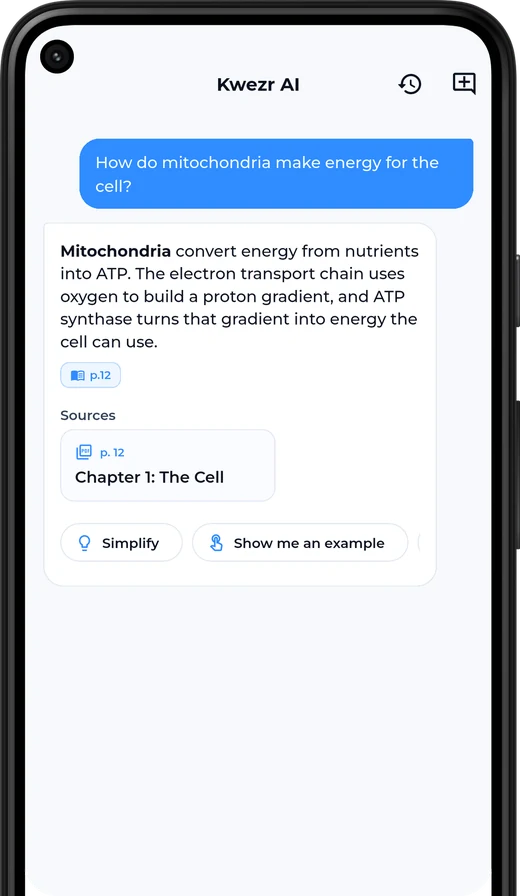
Kwezr answers from the file you uploaded. Not from the internet, and not from a model that once read a different textbook. It tells you the page it used so you can go and check.
- Ask in English or Arabic, about any lecture in the course
- Say “simplify” when an answer goes over your head
- Ask it to compare two ideas, or sum up a whole chapter
- Attach up to three more files to a question
What an answer looks like
How do mitochondria make energy for the cell?
This is an example. Your answers come from your own file.
Four steps. About a minute.
-
Upload your lecture
PDF, PowerPoint, Word, plain text, or a photo of the slides. Drop it in and Kwezr reads all of it.
-
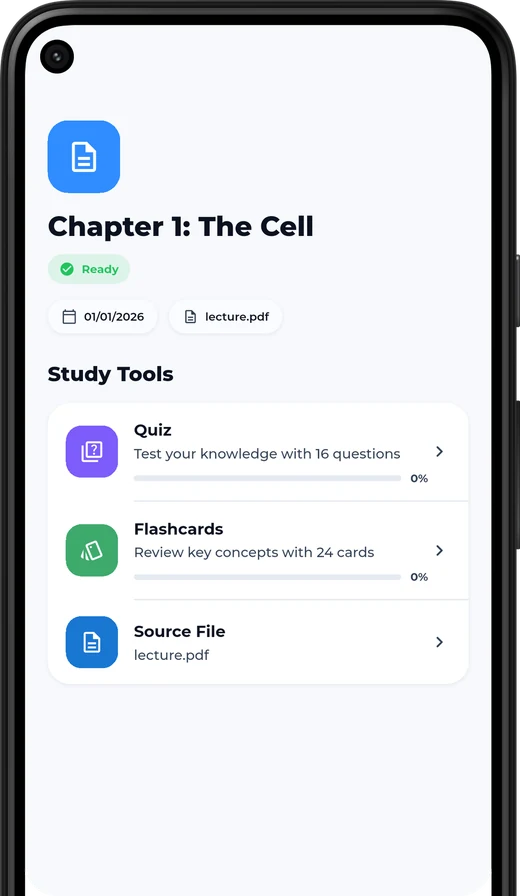
Get your study set
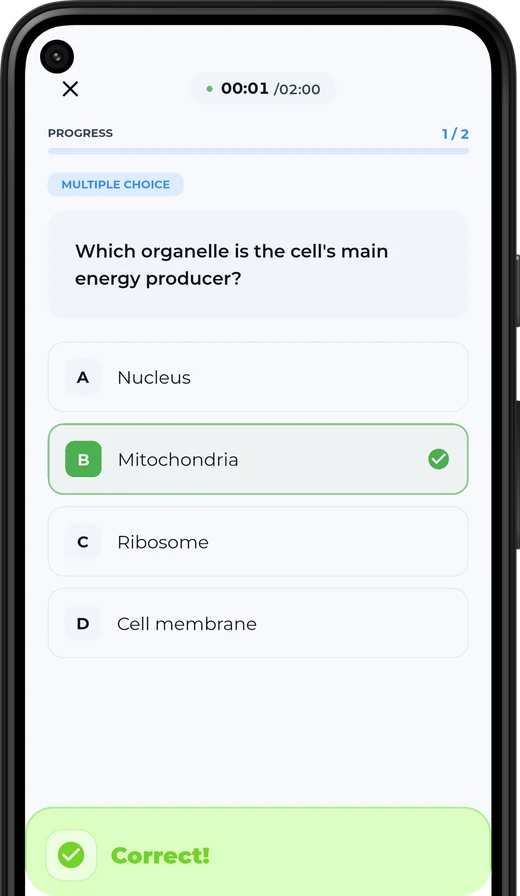
Topics, flashcards, and questions: multiple choice, true or false, fill in the blank.
-
Find the gaps
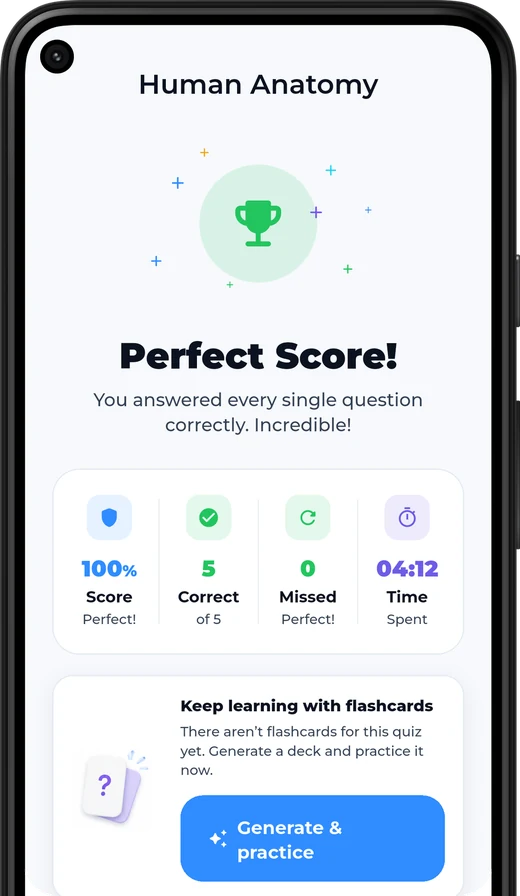
Take a short quiz. You will see which topics are solid and which ones are not.
-
Review until it sticks
Cards come back just before you would forget them, spread over the days until your exam.
The parts students use most.
Cards and quizzes from any file
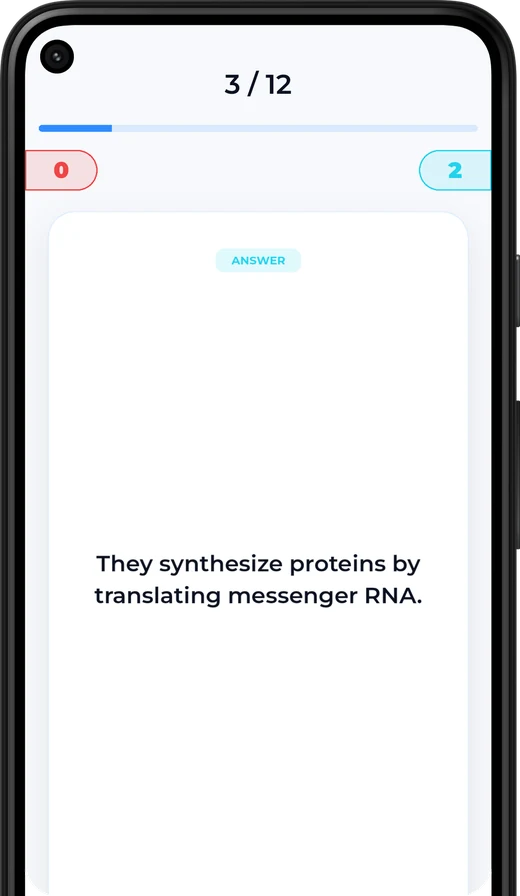
Topics, flashcards and questions, made from the lecture you uploaded.
An assistant that has read your slides
Ask about anything in your material. Answers come back with the page they came from.
Spaced repetition
Rate a card Again, Hard, Good or Easy and Kwezr schedules the rest for you.
See what you do not know
Mastery is tracked per topic, so revision time goes where it counts.
Works around your exam date
Tell Kwezr when the exam is, and review gets spread over the days you have left.
Streaks and reminders
Gentle nudges when cards are due, and a streak that makes small daily sessions stick.
Organised by course
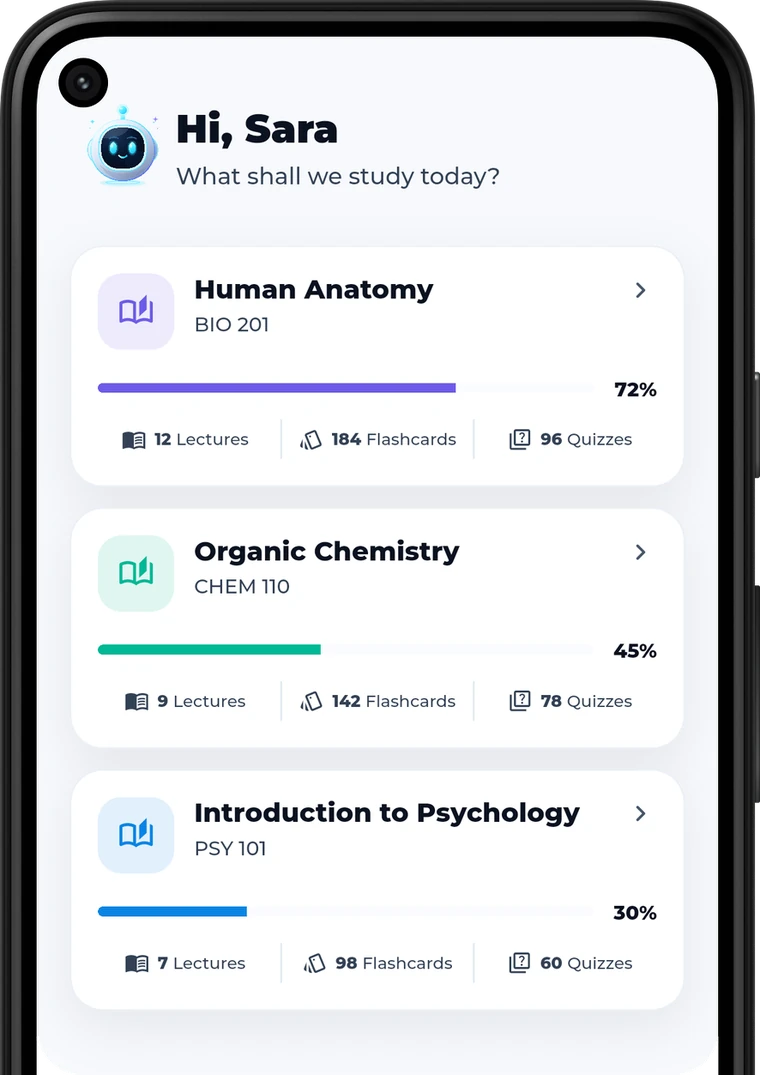
Every lecture, quiz and card grouped under the course it belongs to.
English and Arabic
Proper right-to-left layout and Arabic type, in both light and dark.
A look at the real thing.
Swipe to see more
If your course has slides, it works.
There is no subject-specific model behind this. Kwezr reads whatever you give it. It gets used hardest in the years with the most to memorise.
And in finals week, at around 2am.
Kwezr next to a normal flashcard app.
| What you get | Normal flashcard apps | Kwezr |
|---|---|---|
| Where the cards come from | Decks made by strangers | Your uploaded lecture |
| Try before signing up | Account required first | Full upload-to-quiz flow, no account |
| Answers you can verify | No source | Cited back to the page in your PDF |
| Knows your weak spots | Same cards for everyone | Mastery tracked per topic |
| Exam-aware scheduling | Fixed intervals | Adapts to the days you have left |
| Arabic support | Partial or none | Full RTL, Arabic throughout |
Start free. Pay only if it helps.
No card to try it. Upload a real lecture and see the quiz before you decide anything.
Enough to find out if it suits you.
- Up to 2 courses
- Up to 6 lectures a month
- Up to 3 lectures per course
- 10 assistant messages a day
- Flashcards and quizzes from your own files
- Full trial before you sign up
For the semester you need to get right.
- Unlimited courses and lectures
- Unlimited flashcards and quizzes
- Unlimited assistant messages
- Full study sessions, not previews
- Priority processing for uploads
- Earn free Pro time by inviting friends
Subscriptions renew automatically unless cancelled at least 24 hours before the end of the current period. Manage or cancel anytime in your App Store or Google Play account settings.
Bring your study group, get Pro time.
Every account has a referral code. Send it to the people you already share notes with. You both get free Pro time, and neither of you has to buy anything for it.
Your lectures stay yours.
- They build your study set — Your files make your own topics, cards, quizzes and assistant. Nothing else.
- They belong to your account — Your courses and lectures are private to you, on every request.
- You can delete them — Remove a lecture, or a whole course, from the app whenever you want.
Questions students ask.
Do I need an account to try it?
No. You can upload a real lecture, get a quiz and see your weak-spot analysis before creating an account.
Which file types can I upload?
PDF, PowerPoint (PPTX), Word (DOCX) and plain text, plus photos of slides or handwritten notes (JPG, PNG, WEBP, HEIC).
Does it work in Arabic?
Yes. The whole app is bilingual with full right-to-left layout, and Kwezr generates study material from Arabic lectures as well as English ones.
Is it accurate? Can I check where an answer came from?
The assistant answers from your uploaded material and cites the page it used, so you can open the source and verify it yourself. Always double-check anything that will end up in an exam answer.
What happens to my lecture files?
Your files are used to build your own study material and power your assistant. They stay tied to your account — see the privacy policy for the full detail.
Can I use photos of handwritten notes?
Yes. Photograph the slides or your own notes (JPG, PNG, WEBP or HEIC) and Kwezr reads the text out of the image the same way it reads a PDF. Clear, well-lit photos give the best results.
How long does a lecture take to process?
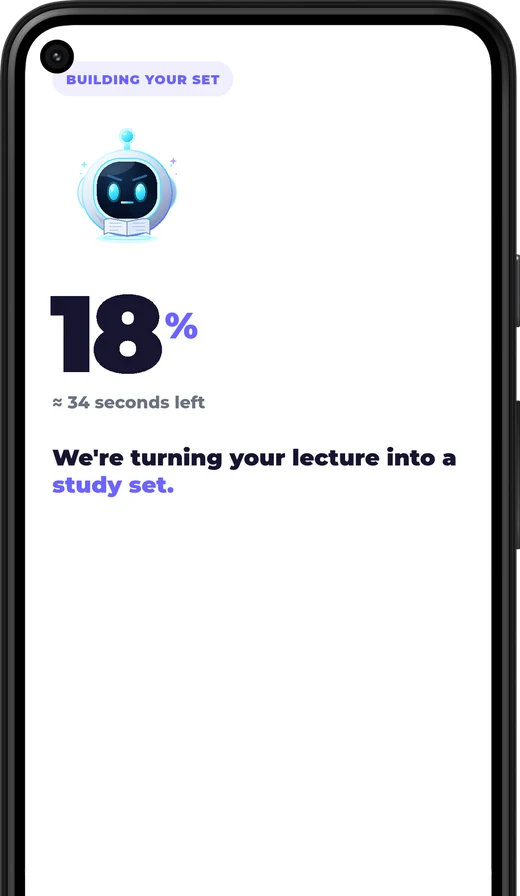
Most files are ready in about a minute. Long decks, scanned pages and photos take longer because the text has to be read out of the images first.
Does it need an internet connection?
Yes — reading your file and generating the study set happens on our servers, so you need to be online to upload a lecture or chat with the assistant.
How do I cancel?
Subscriptions are billed through the App Store or Google Play. Cancel anytime from your store account settings; you keep Pro until the end of the period you paid for.
Upload one lecture tonight.
You will know inside a minute whether this is worth your time.